Branded QR codes
Customize each code with your logo, brand colors, frame, and call to action so it fits seamlessly with your brand.

Place a branded QR code where your customers already are and turn in-person visits into published reviews on Google. No app downloads or sign-ups required. Customers simply scan, rate, and share their feedback by typing or speaking.
Free forever · No credit card required · Works with any phone camera
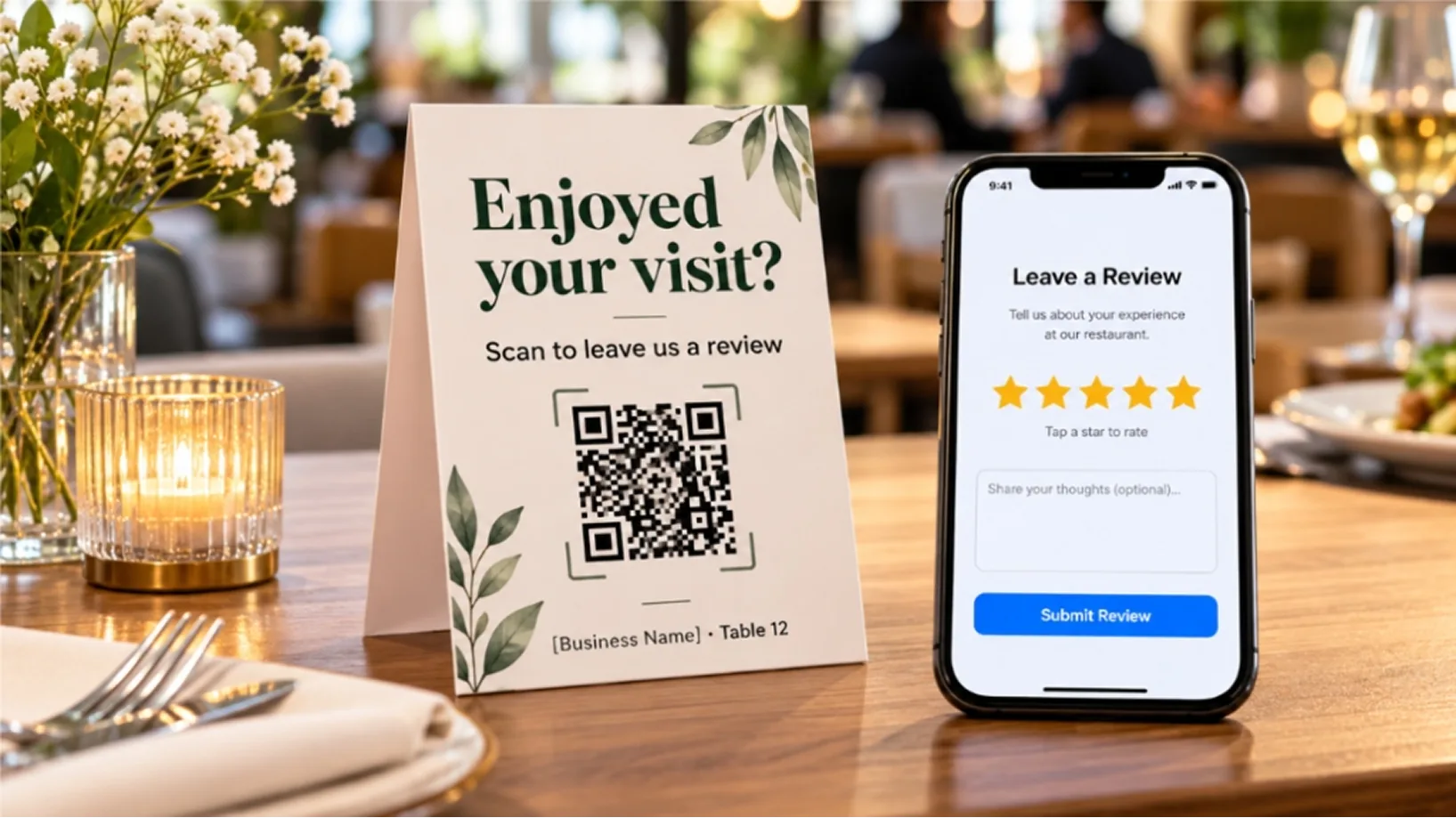
Table-tent card: 'Enjoyed your visit? Scan to leave us a review'
John's Pizzeria · Table 12 · Phone showing a five-star review form
Get started in minutes
Go from a printed code to a published review in three simple steps
Use ReviewCook’s Google review QR code generator to select your review destinations, upload your brand logo, apply brand colors, and download a print-ready code in PNG, SVG, or PDF format.
Display your code on table standees, Google review cards, receipts, packaging, invoices, or posters at key touchpoints like checkout counters, reception areas, and waiting rooms.
Using their phone’s built-in camera, customers scan the code, select a star rating, share their experience by text or voice, and submit, with no app or ReviewCook account required.
The customer experience
A fast, mobile-friendly review experience with no app downloads or account
John's Pizzeria
Downtown · Main St
How was your visit?
Five tappable stars
Benefits
Customize each code with your logo, brand colors, frame, and call to action so it fits seamlessly with your brand.
Update a code’s destination at any time. Printed codes continue to work, so you never need to reprint.
Direct customers to Google, Facebook, Tripadvisor, or your own website, or let them choose where to post.
Assign a unique code to each store, table, staff member, or campaign, each with its own performance report.
Download ready-to-print table standees, posters, stickers, receipt footers, and Google Review cards.
Use cases
Place codes on table standees, bill folders, and takeaway bags to capture feedback while the dining experience is still fresh.
Display codes at checkout counters, on receipts, and shopping bags so shoppers can leave a review as they head out.
Use in-room cards, key card sleeves, and front-desk displays to collect guest reviews before checkout.
Place codes in reception areas, in waiting rooms, and on aftercare cards, with review forms that never request health information.
QR reviews for healthcare →Display a code at styling stations or checkout, and track reviews by individual stylist or therapist.
Add codes to invoices, Google review cards, and vehicle decals so customers can leave a review once the job is done.
QR reviews for home services →A QR code links to your review form. When customers scan it with their phone camera, the form opens instantly in their browser, so they can rate their experience and leave a review without the hassle of searching for your business on Google.
Create a branded review QR code in minutes and turn every in-person visit into a published review.